

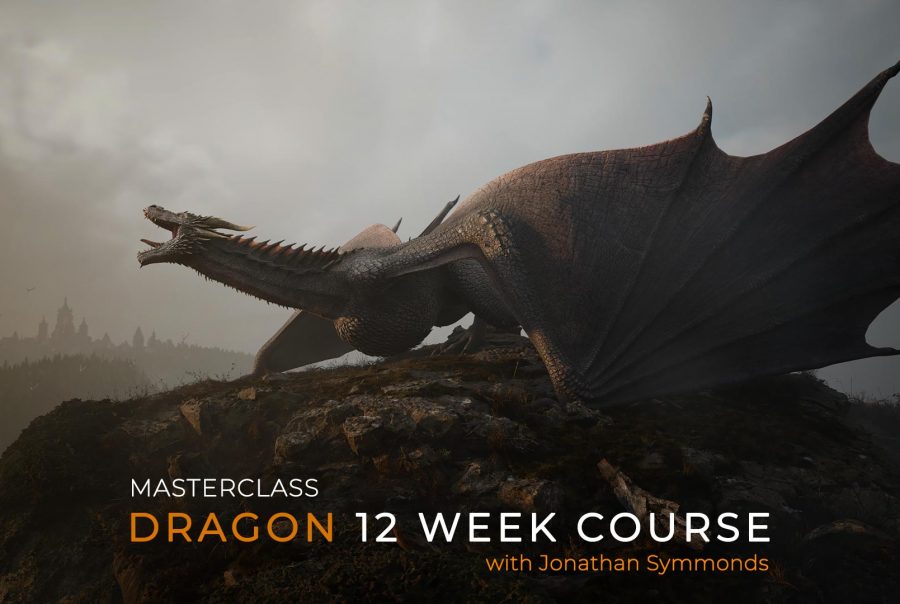
Dragon Animation Masterclass
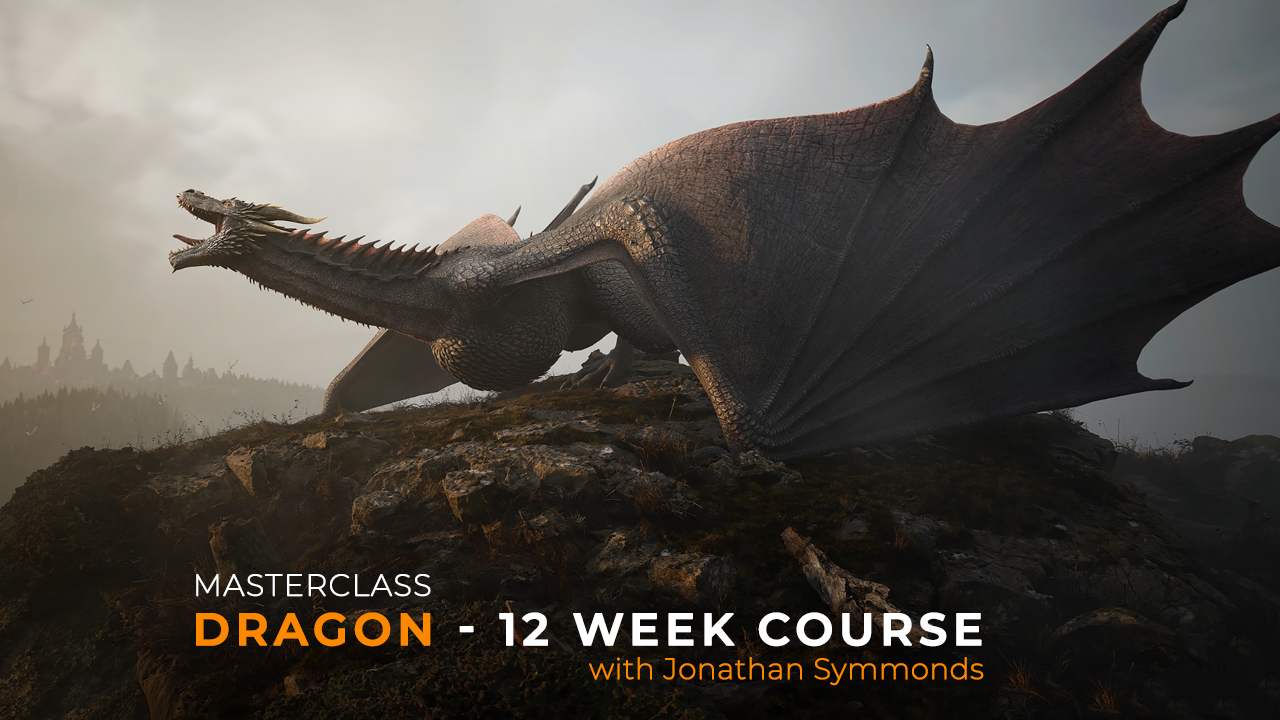
Course overview
Learn how to animate a Dragon in Maya using professional film-quality workflows in this 12-week Dragon Animation Masterclass. Study at your own pace online as you follow a complete, step-by-step process for bringing a dragon to life—from flight and land cycles to cinematic shot animation and performance refinement.
Guided by Jonathan Symmonds (Lead Animator on Game of Thrones and House of the Dragon), you’ll master biomechanics, curve refinement, and advanced Dragon rig controls designed specifically for complex, realistic winged creatures. Invest in yourselves by enrolling in the Dragon Animation Masterclass.
About the Dragon Animation Masterclass Course
Course Description
If you’ve ever wanted to learn how to animate a dragon, then you’re in luck! This 12-week Dragon Animation Masterclass is led by Jonathan Symmonds, an expert animator with over eight years of experience bringing dragons to life in Game of Thrones and House of the Dragon.
Throughout the course, you’ll discover every step of dragon animation—from setting up your scene and environment to building your own
The lessons begin with a complete introduction to the Sophoria Dragon Rig</a>, followed by clear guidance on how to prepare your scene inside Maya. Next, you’ll explore dragon flight cycles, including climbs, glides, and turns, before learning how to slow and land the creature naturally.
Moreover, you’ll learn how to animate a dragon’s roar, create a walk cycle, and refine every movement for cinematic realism. The course concludes with lighting, rendering, and exporting your final dragon shot—ready to showcase in your professional demo reel.
Animating a dragon is no easy feat, but with Jonathan Symmonds as your mentor, you’ll gain insider knowledge from one of the best in the industry. Sign up now for the Dragon Animation Masterclass and take your animation skills to new heights!
Dragon Masterclass Information
- Course Duration – 12 Weeks
- This Course can be taken at any time (pre – recorded)
- Category – Animation
- Price – $399
- Prerequisites – None
- Software Required – Autodesk Maya 2019+
- Instructor – Jonathan Symmonds
- Format: On-demand video tutorials, downloadable project files
- Certificate: Included upon completion
Course Modules Overview
Introduction & Rig Setup – Understanding the dragon rig and Maya workspace
Walk Cycles – Building a strong ground movement foundation
- ata-start=”2005″ data-end=”2068″>
Flight Animations – Lift-off, gliding, diving, landing
Roars, Attacks & Expression – Character performance and timing
Camera & Scene Setup – Layout, lighting, and cinematic polish
Final Animation Shot – Putting it all together into a completed animation
Who should take this Course?
Aspiring creature animators wanting to build a standout portfolio
Intermediate Maya users aiming to level up in the industry
VFX students and professionals who want dragon-specific experience
- Game and film artists building cinematic content
- Animators wanting to break into creature work
What Makes This Dragon Animation Course Different?
This is the only online course in the world that teaches you how to animate dragons with guidance from a Hollywood creature animator who worked on some of the most iconic fantasy series in history – Jonathan Symmonds
Animation Assets Pack Included
🎉 The Animation Assets Pack, featuring 35+ handcrafted drag-and-drop animations meticulously built by legendary animator Jonathan Symmonds, is now included for free with the Dragon Animation Masterclass!
What You’ll Get in the Dragon Animation Masterclass
50+ HD video tutorials
Lifetime access
Maya project files & Animation Assets
- Custom Dragon Picker
- Unique 3D Environment & Textures
Private Discord group for support
Direct instructor feedback
- Certificate of completion
What You’ll Learn in This Dragon Animation Masterclass
This 12-week dragon animation course is the ultimate guide to learn how to animate a dragon in Autodesk Maya. Whether you’re looking to elevate your creature animation skills or build a standout portfolio piece, this dragon course will take you from basic cycles to an epic final sequence.
- Introduction to the rig and how a dragon moves
- Understanding the fundamentals of flight
- Creating your own set of flight cycles and building up your library
- Learning how to animate a character on a path and landing
- Developing a better understanding of weight and timing
- Landing a dragon and moving into a roar
- Understanding behavioral shifts in creatures during action
- Building an asset library and creating layered animation design
- Learning how to take-off an extremely heavy creature
- Switching cameras and scripting cameras
- Setting up basic lighting for the final look with Light Rig
- Implementing playblasting techniques and fine-tuning animation
- Learning how to animate a Dragon Walk Cycle
- Animating and cutting an in-scene camera
All Dragon flights cycles are included
🛫 All flight cycles—including climb, glide, turns, and dive—are part of the Animation Assets Pack inside the Dragon Animation Masterclass.
You’ll not only learn the core principles of animating a dragon in flight, but also how to build seamless flight sequences by combining multiple maneuvers. Best of all, you can do it with just a few clicks using simple drag-and-drop assets.
12 Week Course Breakdown – Study at your Own Pace
Week 01
Start the course with a complete introduction to the dragon rig and scene setup. Learn how to prepare your workspace and gather the right reference for animation.
Course Consent
7 Questions
Project Files
Scene Files
Week 01 - Lesson 00 - Loading the Dragon
07:46
Week 01 - Lesson 00 - Dragon Picker for Maya
31:14
Week 01 - Lesson 01 - Dragon Rig Intro
41:14
Week 01 - Lesson 02 - Flight Cycle Reference
29:47
Week 01 - Lesson 03 - Flight Cycle Part 01
01:01:37
Week 01 - Lesson 03 - Flight Cycle Part 02
01:03:01
Week 01 - Lesson 03 - Flight Cycle Part 03
59:41
Week 01 - Lesson 03 - Flight Cycle Part 04
01:37:28
Week 02
After that, you’ll create a variety of flight cycles—from glides and climbs to turns—and save them to your animation library for future use.
Project Files
Scene Files
Week 02 - Flight Cycle - Climb
01:54:08
Week 02 - Flight Cycle - Glide
01:25:17
Week 02 - Flight Cycle - Turn Right
01:14:46
Week 02 - Flight Cycle - Turn Left
01:15:26
Week 03
Now you’ll begin building your scene and environment. You’ll use the assets created in previous courses and apply them to guide the dragon along a path.
Week 03 - Environment introduction and build
36:41
Week 03 - Attaching the Dragon to the Motion path
59:41
Week 04
In the next part of the course, you’ll bring the dragon into its final approach and create a realistic landing animation.
Project Files
Scene Files
Week 04 - Approach to land
01:48:00
Week 05
Now that the dragon has landed, it’s time to hit the runway! In this lesson, you’ll fine-tune the landing sequence and prepare the dragon for its powerful roar.
Week 05 - Landing the Dragon
01:26:05
Week 06
It’s time for a short break to focus on asset building. These small animation elements can be added later to your character to enhance detail and make the motion look more polished.
Project Files
Scene Files
Week 06 - Building your animation asset library
02:02:46
Week 07
Using the assets you created, you’ll now apply them to the landing and roar animations. Building momentum for the roar is crucial, so be sure to follow this lesson closely!
Week 07 - Landing to Roar - Part 01
01:08:35
Week 07 - Landing to Roar - Part 02
01:02:37
Week 08
We will stay out of the air this week because now it is time to learn how to animate a complete dragon walk cycle. The lesson is detailed and includes a GPU-cached dragon from Jonathan for you to use as a reference.
Project Files
Scene Files
Week 08 - Dragon Walk Cycle - Part 01
01:45:48
Week 08 - Dragon Walk Cycle - Part 02
44:56
Week 08 - Dragon Walk Cycle - Part 03
54:23
Week 08 - Dragon Walk Cycle - Part 04
01:00:23
Week 08 - Dragon Walk Cycle - Part 05
49:18
Week 09
Now the Dragon Animation Masterclass gets really exciting! In this behavior study, Jonathan guides you through different setups and techniques to enhance your dragon’s performance with subtle, lifelike movements. Enjoy!
Week 09 - Behaviour Study
51:05
Week 10
It’s time for take-off! This three-week section is packed with exciting challenges. During the first week, you’ll set up your scene and prepare the dragon for flight.
Project Files
Scene Files
Week 10 - Take Off - Part 01
01:15:02
Week 11
Next, you’ll refine your work by developing and blocking out the dragon’s take-off animation. Focus on creating strong poses and smooth, powerful motion.
Week 11 - Take Off - Part 02
01:15:02
Week 12
As you reach the final week, you’ll complete the take-off animation alongside Jonathan and prepare your scene for the final playblast. Don’t forget to include the awesome assets you created back in Week 06!
Week 12 - Take Off - Part 03
01:15:02
Certificate of Completetion
Alternate Options
Save money!
Buy the Dragon Animation Course and Dragon Rig separately
This can help if you want to do the Dragon Animation Course and use your own Dragon rig

$299
Dragon Animation Masterclass (No Rig)
Follow the course with your own Dragon Rig
$99
Buy our awesome Dragon Rig
If you just want to buy the Dragon rig, here it is!
Watch some sneak previews of the Dragon Animation Masterclass
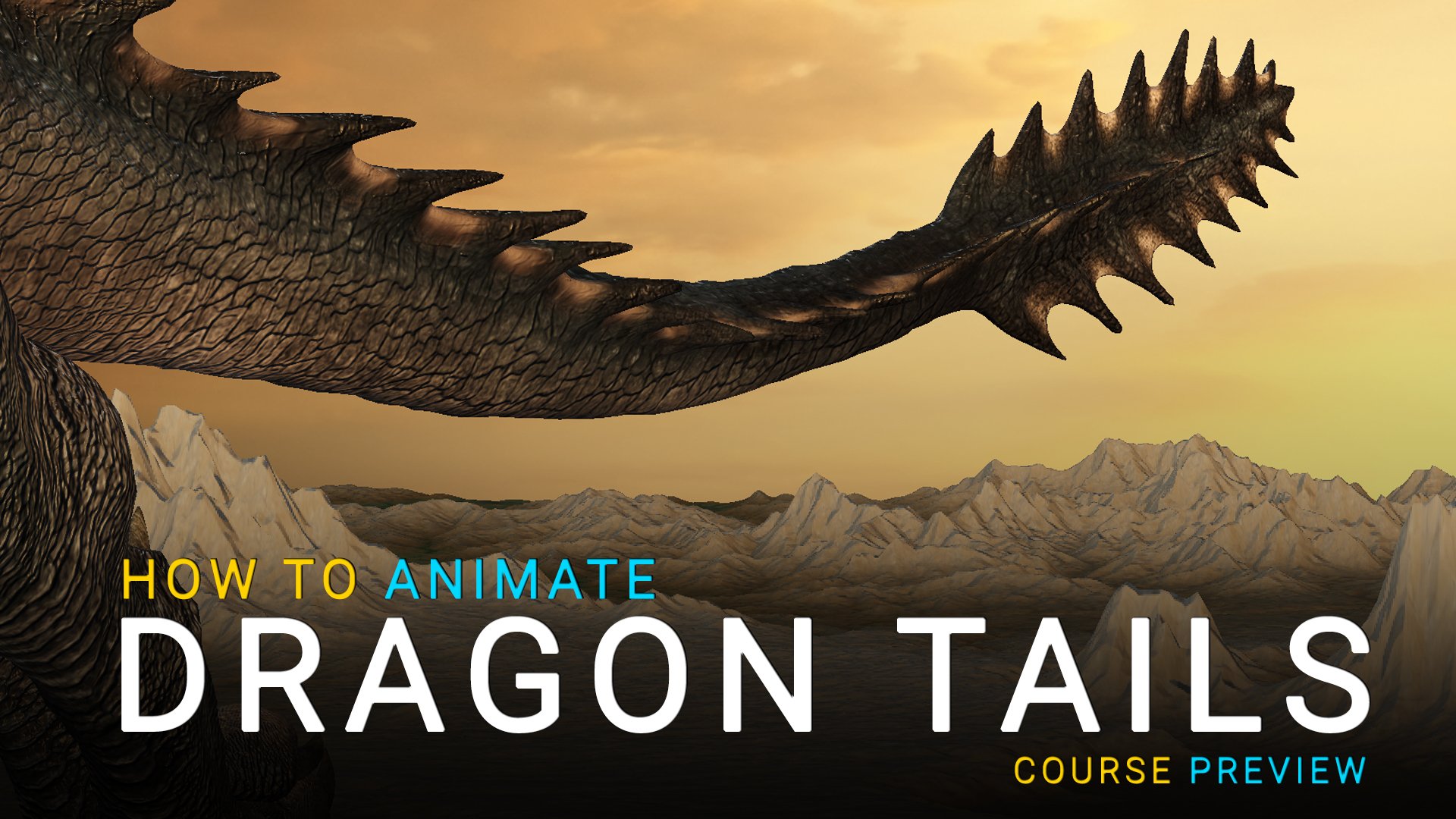
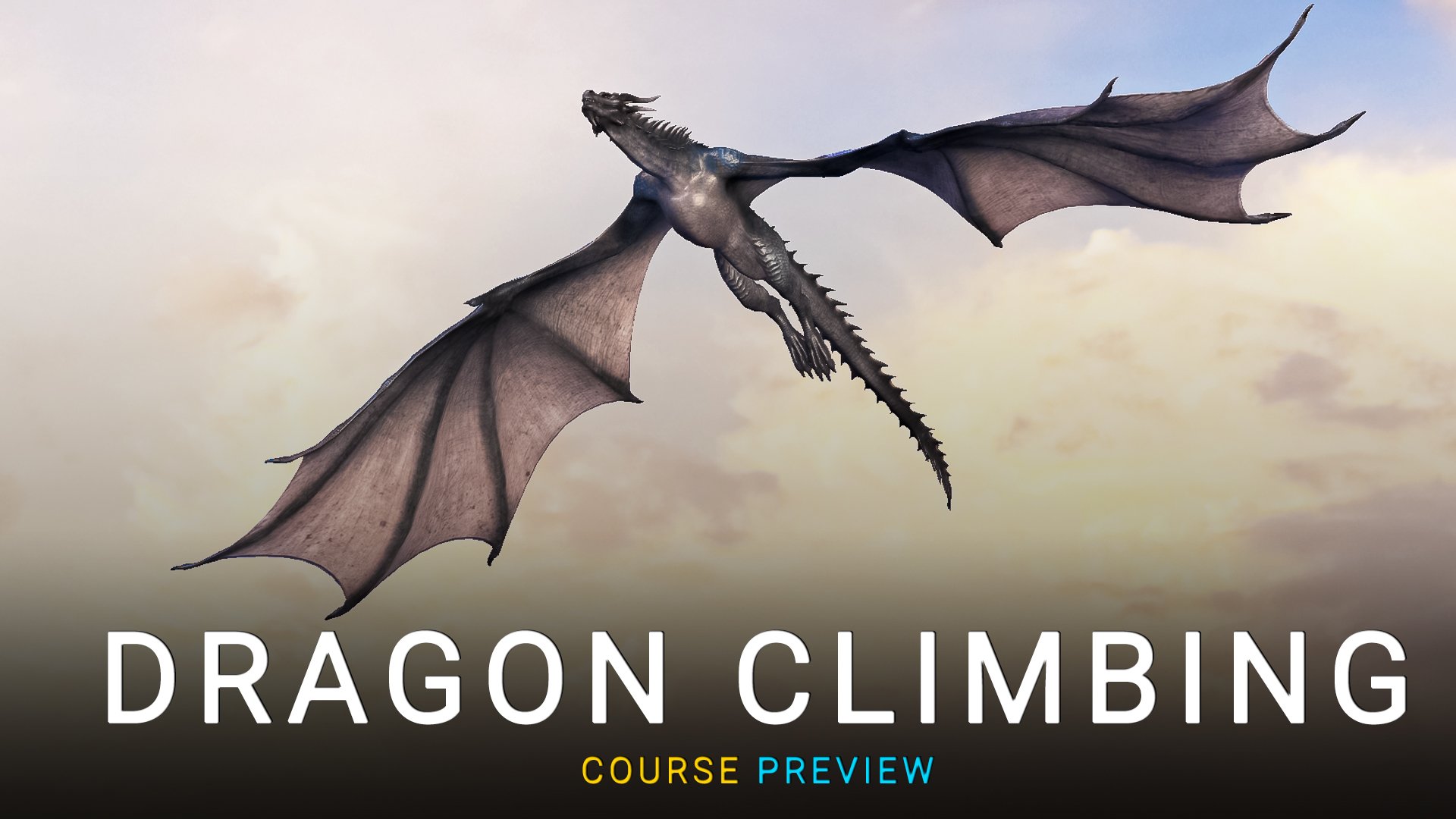
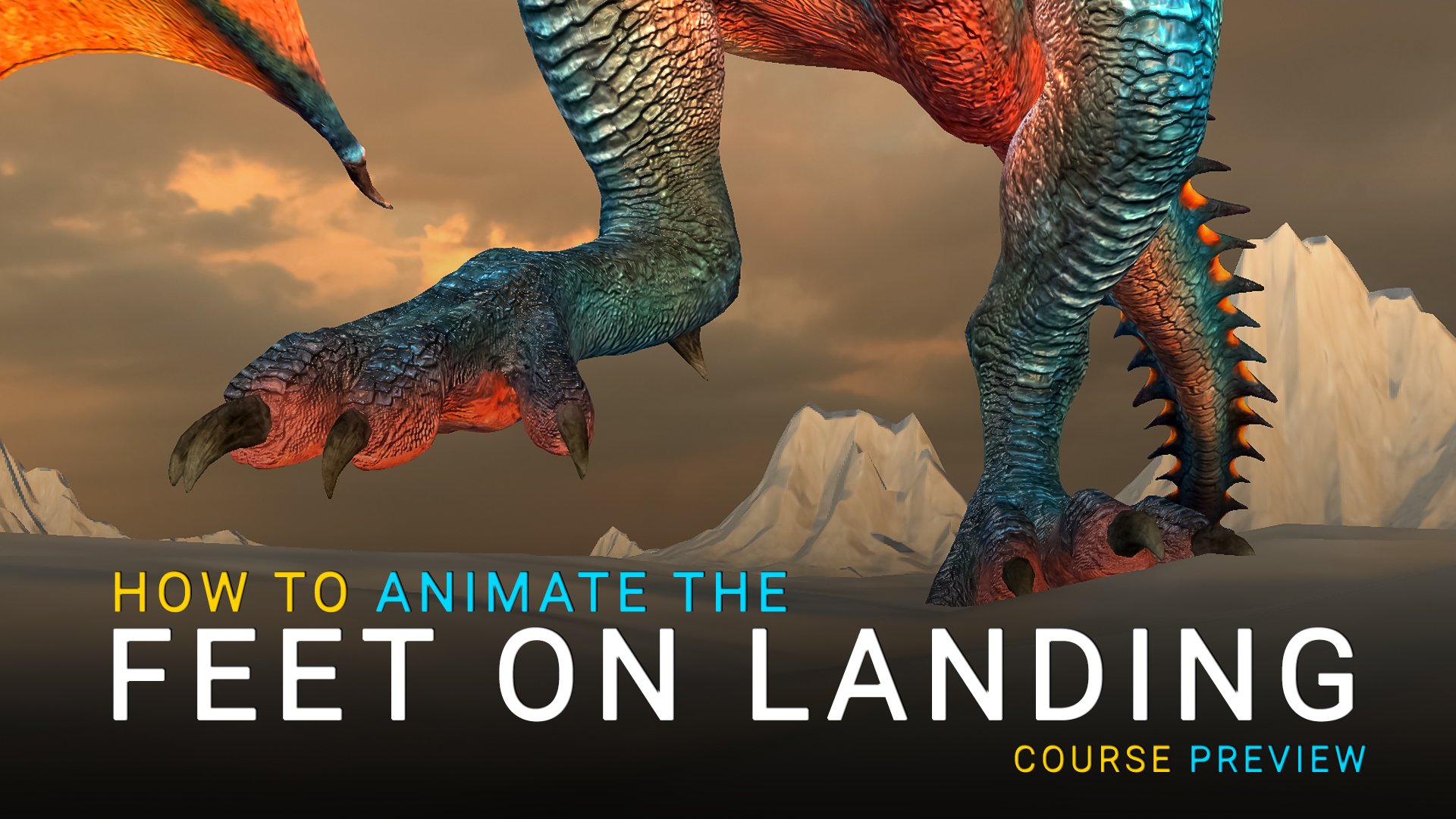
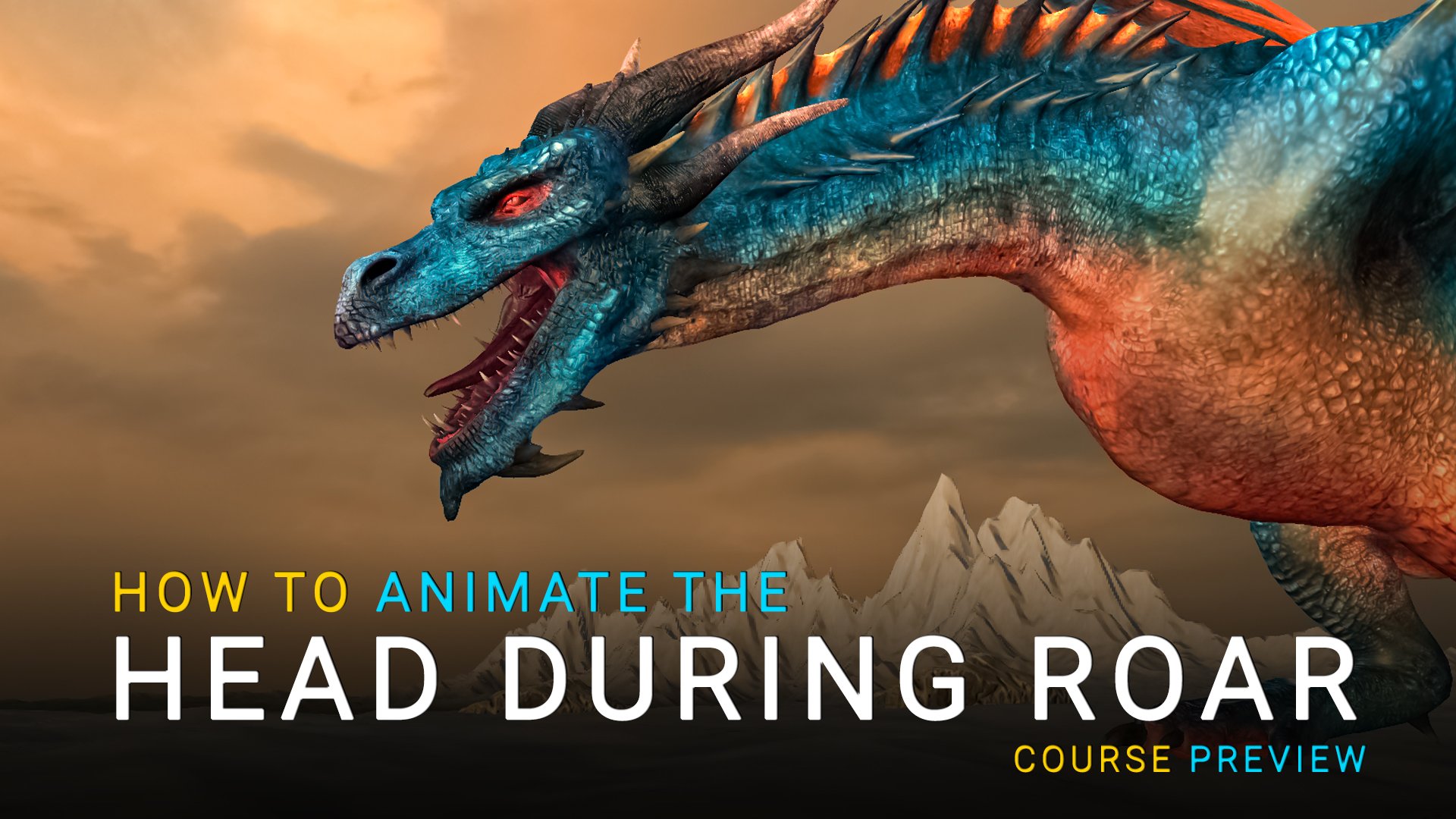
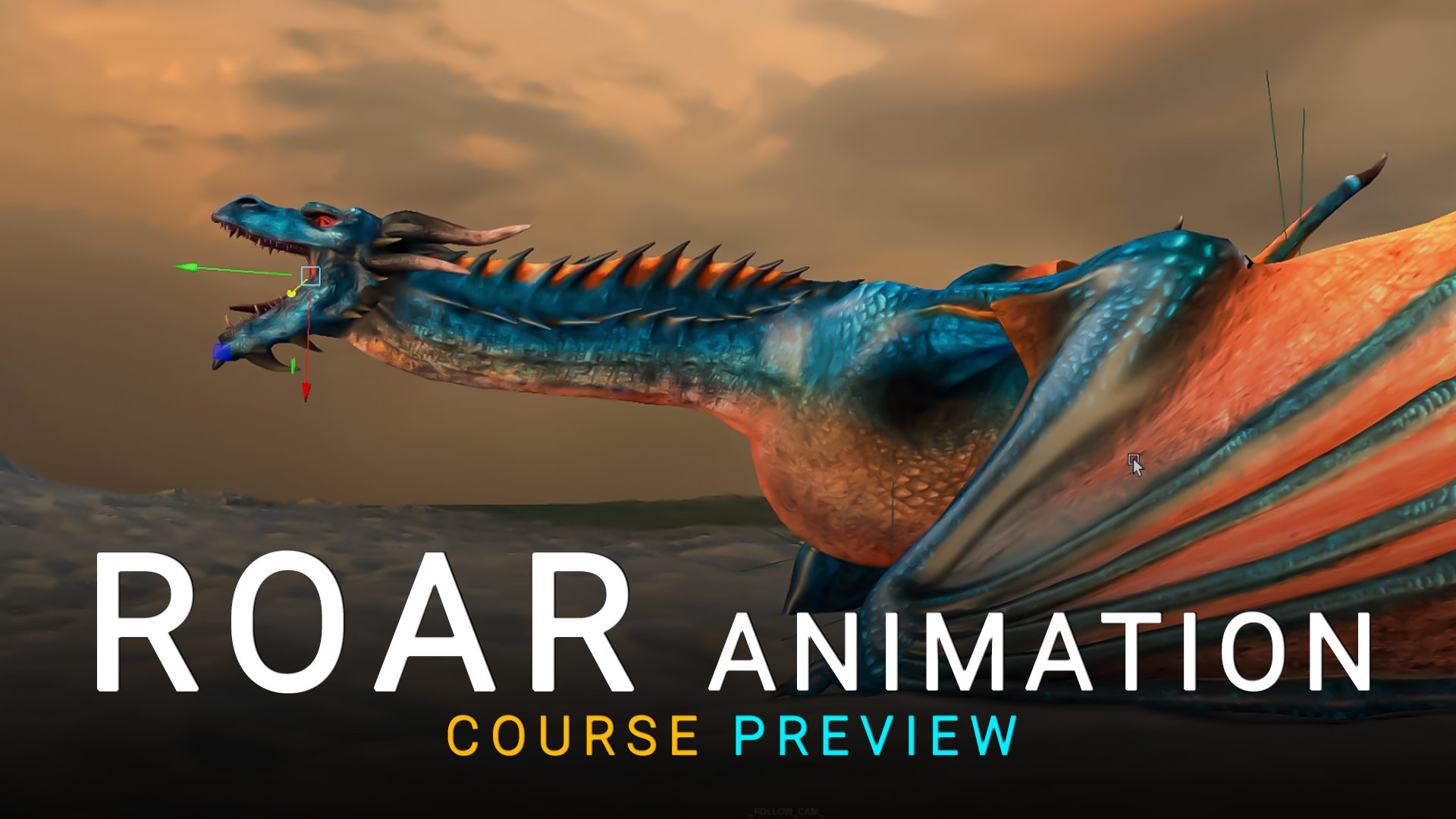
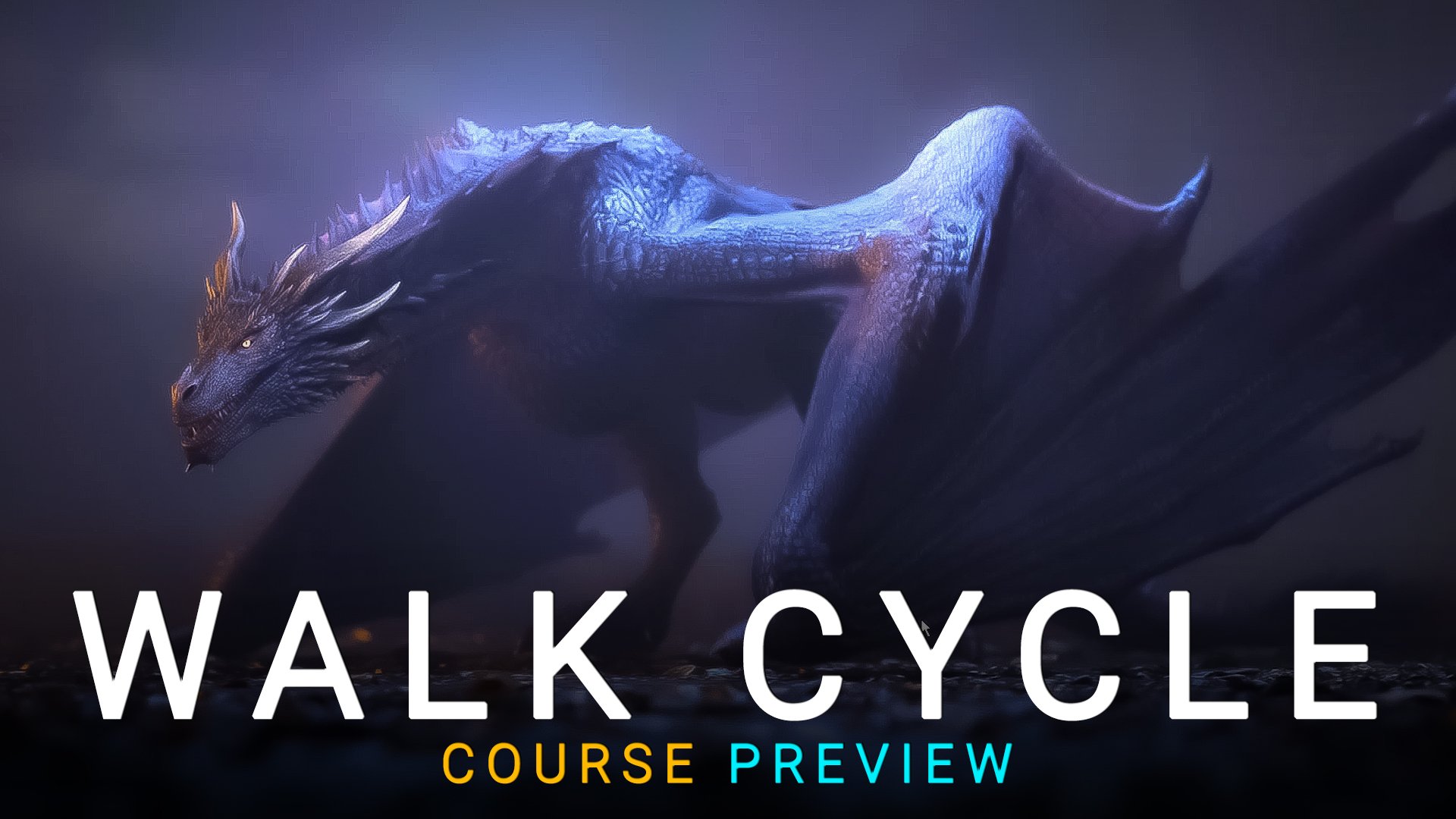
See Real Dragon Animation Techniques In Action
These previews showcase real lessons from the Dragon Animation Masterclass, including dragon walk cycles, flight mechanics, landing impact, roaring performance and secondary tail animation.
Each preview demonstrates professional creature animation workflows used in feature film production, taught step-by-step inside Autodesk Maya.
If you are looking to learn how to animate a dragon with believable weight, timing and biomechanics, these clips show exactly what you will be creating in the full course.
Meet Your Instructor - Jonathan Symmonds
Trusted by 3,000+ students worldwide to master creature animation.
> Speciality: Animation
> Experience: 20+years
“Surround yourselves only with the best. The better they are, the better you will become!”
Jonathan Symmonds
Jonathan Symmonds has worked for over 20 years as a senior animator on blockbuster productions including James Cameron’s Avatar, Prince of Persia, Dark Tide, Knerten, and Trollhunter. He is best known as the Lead Animator on Game of Thrones and more recently House of the Dragon.
With deep expertise in creature animation, Jonathan is also co-founder of Sophoria Academy. He has been nominated three times for the VES Awards, delivered his own TED Talk, and personally trained more than 3,000 students worldwide.
Join him in this exclusive course and gain insider knowledge from one of the most respected animators in the industry!
Your Dragon animation journey starts here.
Train with the Lead Animator of Game of Thrones
for only…
$399
🐉 Enroll Now
Lifetime access. No subscription. Instant start.
What is Included?
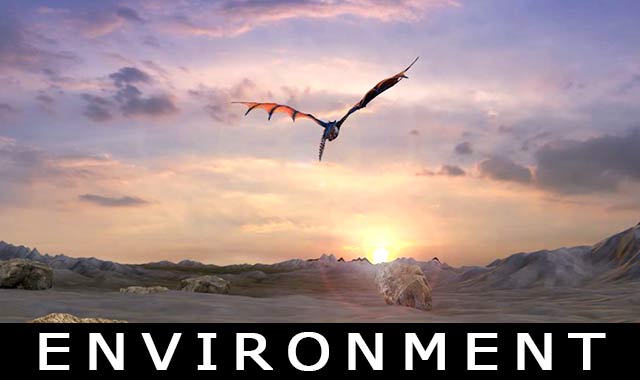
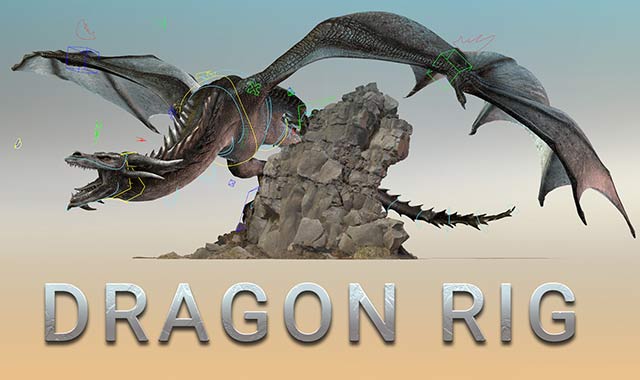
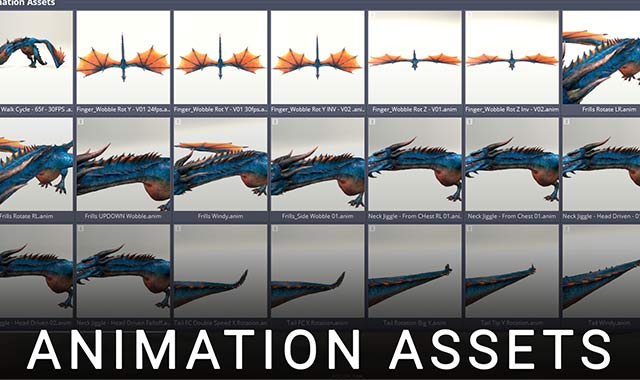
Production-ready dragon environment scene included. Fully lit and optimized for Maya, giving you a cinematic space to animate walk cycles, flight, landings and performance shots from day one.
Professional dragon rig built for creature animation. Includes advanced controls, flexible spine mechanics and wing systems designed for realistic walk cycles, flight sequences and powerful roars.
Complete animation reference files and scene setups included. Study real dragon motion breakdowns, timing guides and pose libraries to support believable creature weight and movement.
Student Testimonials
Join other students in our Discord Server!
You won’t learn alone — join our global community of animators to share work, get feedback, and grow.
Frequently asked questions
Is the Dragon Animation Masterclass self-paced or live?
The Dragon Animation Masterclass is a fully self-paced online course. Although it is structured as a 12-week training roadmap, you can start at any time, move through the lessons at your own speed, and revisit the material whenever you need. This flexibility allows animators worldwide to build advanced dragon and creature animation skills on their own schedule.
What will I learn in this Dragon animation course?
You will learn how to animate a realistic dragon in Autodesk Maya using professional creature animation workflows. The course covers biomechanics, grounded weight and balance, flight mechanics, take-offs and landings, wing physics, performance refinement, and cinematic shot polish. By the end, you’ll understand how to animate complex winged creatures with believable weight, rhythm, and control.
Is this Dragon animation course suitable for beginners?
The Masterclass is best suited for intermediate animators who already understand basic keyframing and the Maya Graph Editor. However, motivated beginners can follow along and significantly accelerate their understanding of creature locomotion and advanced animation techniques.
Does the course include the professional dragon rig and project files?
Yes. The Masterclass includes a production-ready dragon rig, scene files, lighting setup, and reference material. You will animate using the same rig demonstrated in the lessons, allowing you to build portfolio-quality work while learning advanced creature animation workflows.
How is this Dragon Animation Masterclass different from other creature animation courses?
This Masterclass focuses specifically on high-level dragon and winged creature animation using professional film-style workflows in Autodesk Maya. Instead of generic animation theory, you’ll work through structured, production-style sequences that emphasize believable weight, wing mechanics, advanced body control, and cinematic polish — the kind of detail required in feature film and VFX creature animation.
Will this course help me get a job in creature animation or VFX?
This course is designed to build the kind of creature animation work studios look for in demo reels. The final dragon sequences focus on believable weight, timing, wing mechanics, and performance detail — key fundamentals required for creature animation roles in film, games, and VFX studios.
Do I need prior creature animation experience to take this course?
Prior experience with creature animation is helpful but not mandatory. If you are comfortable animating basic walk or run cycles in Maya and understand the fundamentals of keyframes and the Graph Editor, you will be able to follow the structured 12-week roadmap and progressively build advanced dragon animation skills.
What specific dragon animations will I complete during the Masterclass?
During the course, you will complete multiple structured dragon animation sequences including grounded locomotion, take-off and landing mechanics, flight cycles, wing timing refinement, and cinematic creature performance shots. Each sequence is designed to develop real-world creature animation skills while producing portfolio-ready work for your demo reel.
Is this Dragon Animation Masterclass worth it for professional animators?
Yes. The Masterclass is designed not just for learning, but for refinement. Even experienced animators benefit from advanced biomechanics breakdowns, wing mechanics analysis, curve refinement workflows, and performance polish techniques that are directly applicable to creature animation in film and VFX production.
Will I learn advanced wing mechanics and flight physics?
Absolutely. A major focus of the course is believable dragon flight. You’ll learn how to animate wing arcs, delayed membrane motion, take-off force, landing weight distribution, and aerial timing that feels physically grounded rather than floaty or game-like.
Will this help me build a stronger creature animation demo reel?
Yes. The Masterclass is structured around building polished dragon animation shots that demonstrate weight, scale, flight mechanics, and performance detail. These are precisely the qualities studios look for when hiring creature animators for film, games, and VFX.
What software do I need for the Dragon Animation Masterclass?
This course is taught entirely in Autodesk Maya, the industry-standard software used in feature film, VFX, and game production for creature animation. You’ll need Maya 2019 or newer to follow along with the lessons.
If you don’t already have Maya, Autodesk offers a free trial version, which allows you to begin the Dragon Animation Masterclass without needing to purchase the software immediately.
Enroll now in this incredible Dragon Animation Masterclass
Join hundreds of students learning creature animation from the Lead Animator of Game of Thrones.
Check out some of our Courses

Animate a Raptor Run Cycle
Animate a Raptor Run Cycle

Animate a Gorilla Walk Cycle
Animate a Gorilla Walk Cycle

Animate a Warthog Walk Cycle
Animate a Warthog Walk Cycle
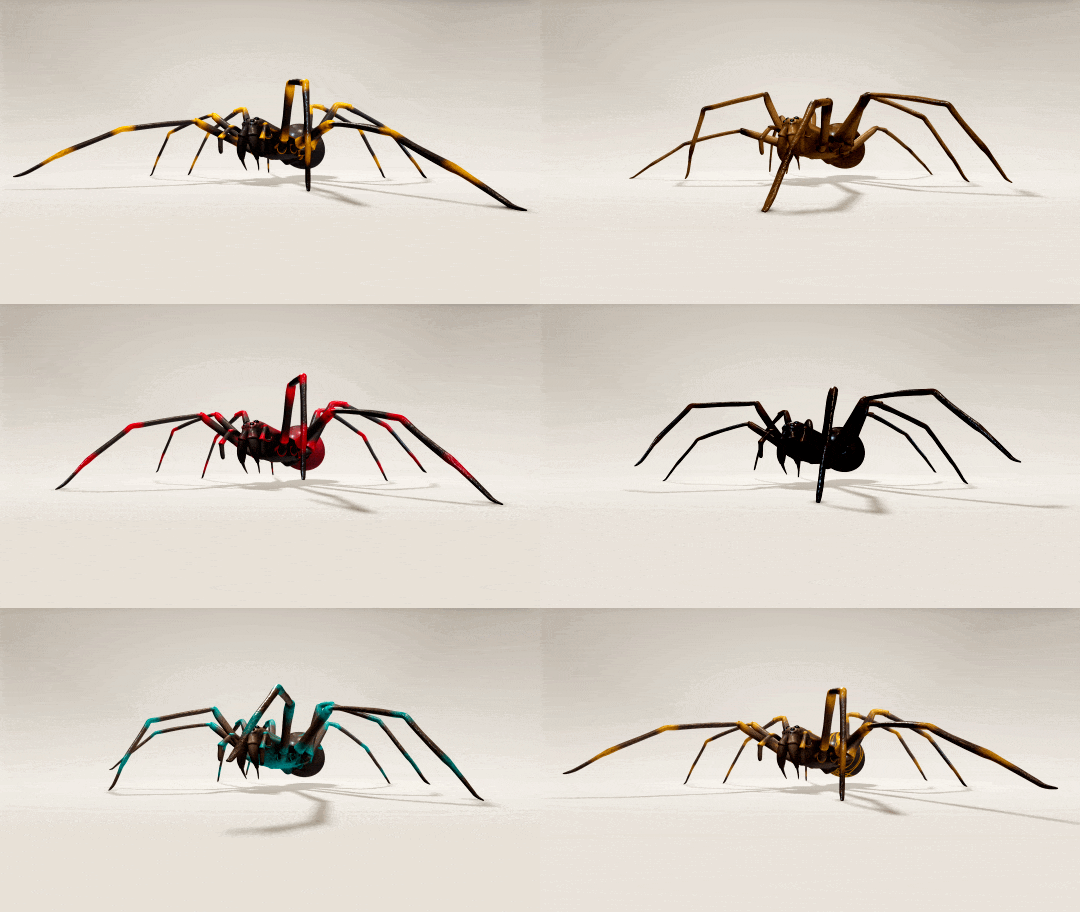
Spider Rig
Spider Rig

Animate an Irex Walk Cycle
Animate an Irex Walk Cycle

Learn how to Animate a Spider Walk Cycle
Learn how to Animate a Spider Walk Cycle

Animation Preferences in Maya
Animation Preferences in Maya
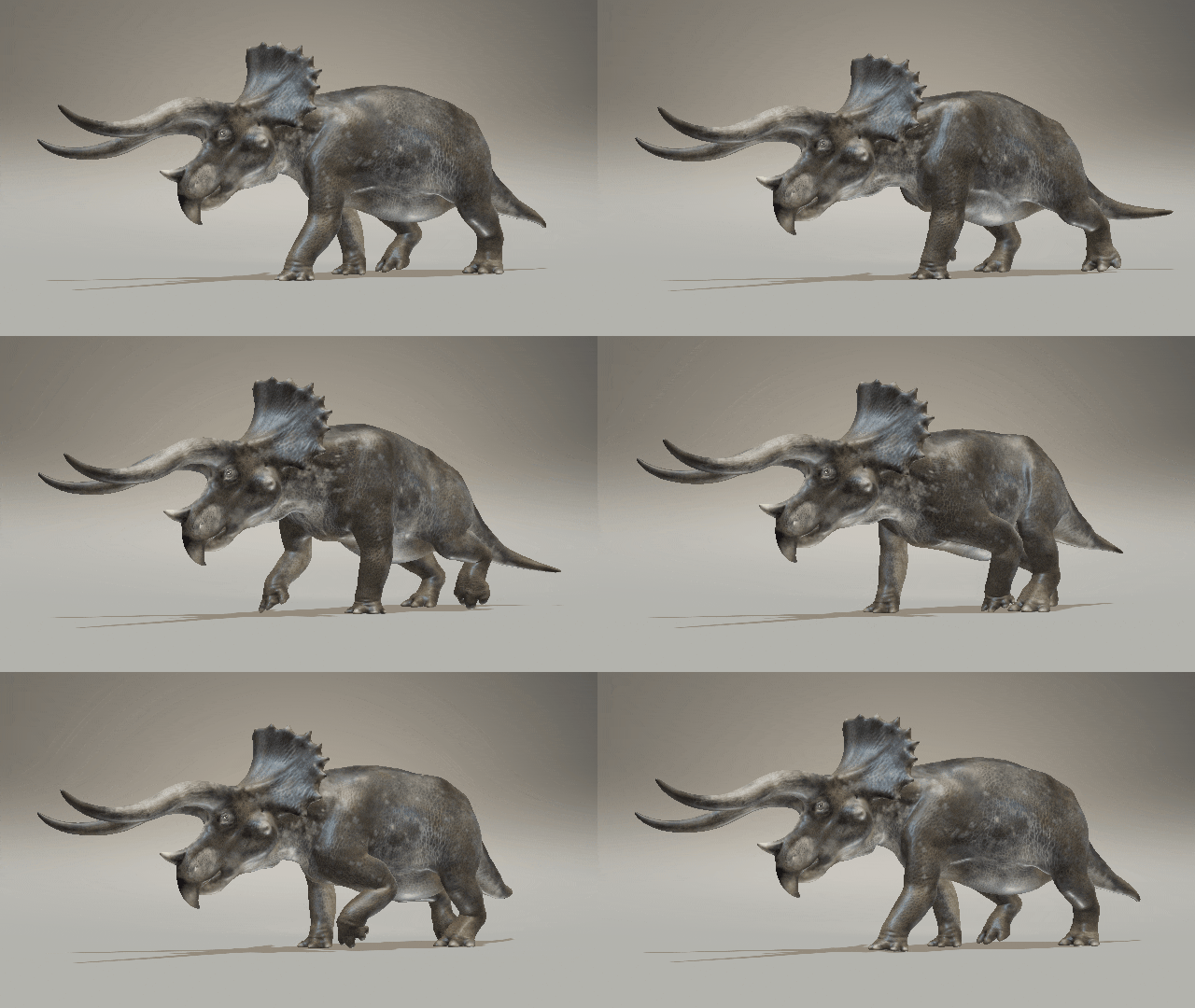
Animate a Triceratops Walk Cycle
Animate a Triceratops Walk Cycle

The importance of animating a bouncy ball
The importance of animating a bouncy ball

Animate an Irex Run Cycle
Animate an Irex Run Cycle

How to animate a Dog Walk Cycle in Maya
How to animate a Dog Walk Cycle in Maya

Animate a Spinosaurus Walk Cycle
Animate a Spinosaurus Walk Cycle

Animate a Tiger Walk Cycle
Animate a Tiger Walk Cycle

Animate a Great White Shark
Animate a Great White Shark

How to animate a Dog Run Cycle in Maya
How to animate a Dog Run Cycle in Maya

Animate an Alien Walk Cycle
Animate an Alien Walk Cycle

Animate an Elephant Walk Cycle
Animate an Elephant Walk Cycle

Animate an Ox Walk Cycle
Animate an Ox Walk Cycle

Animate a Giraffe Walk Cycle
Animate a Giraffe Walk Cycle
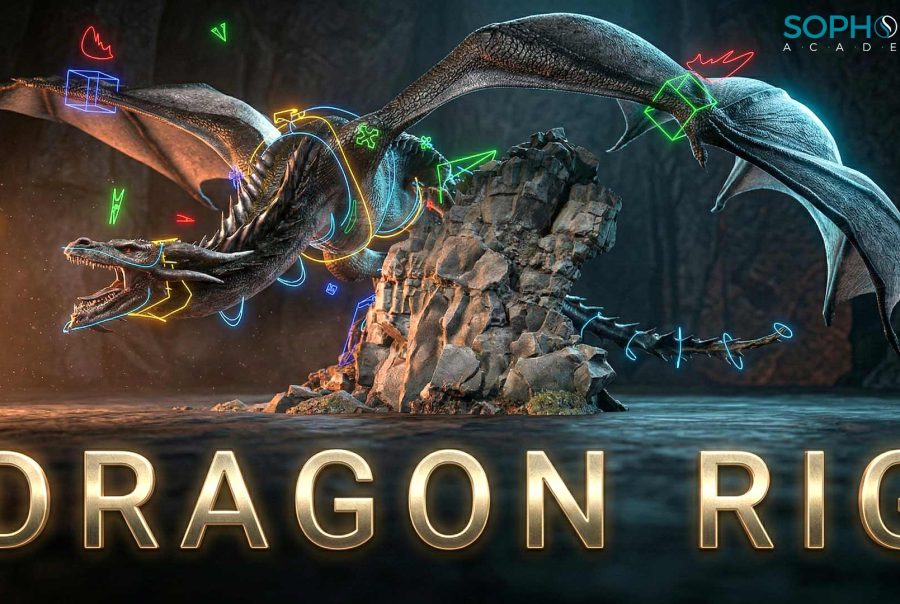
Dragon Rig
Dragon Rig
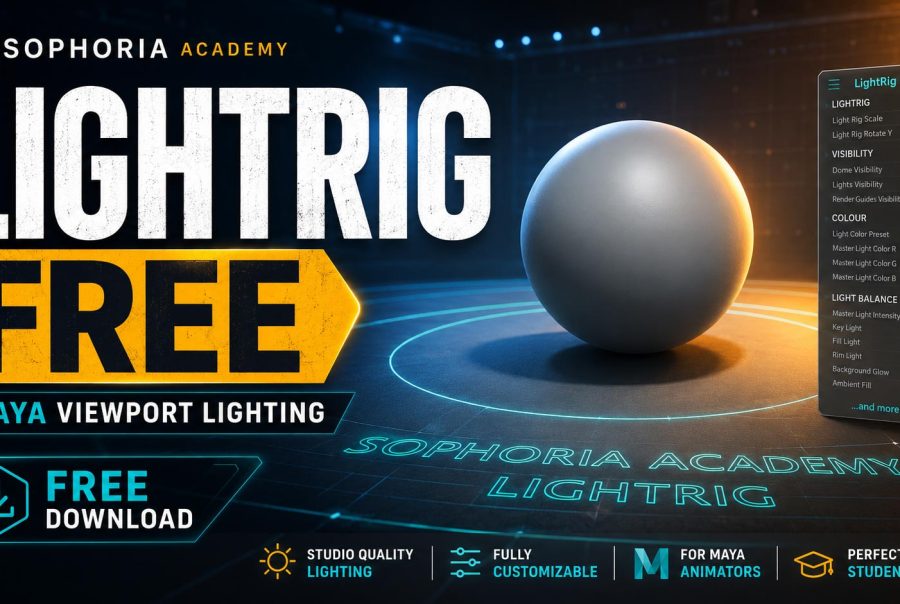
Light Rig
Light Rig
Dragon Animation Masterclass
Dragon Animation Masterclass

Animate a Raptor Walk Cycle


